Advertisement
Click to download now, finish the installation quickly, and directly unlock the all-round experience
Advertisement
Screenshots






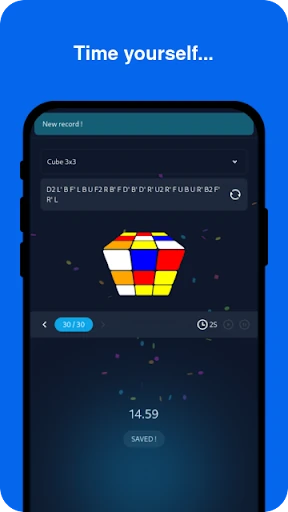

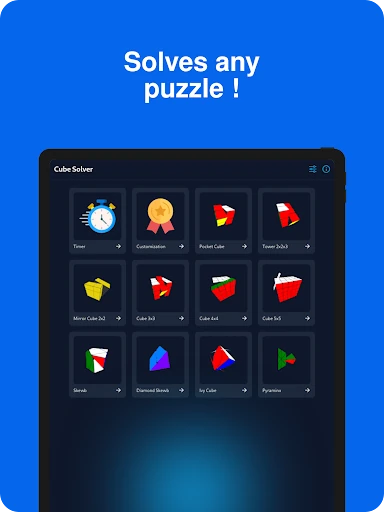
Click to download now, finish the installation quickly, and directly unlock the all-round experience
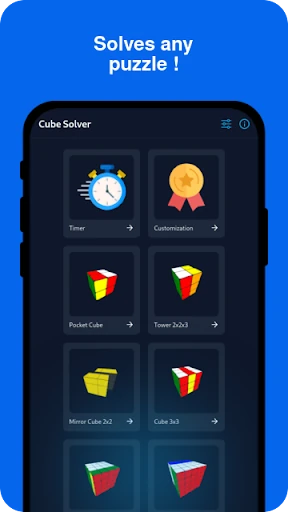
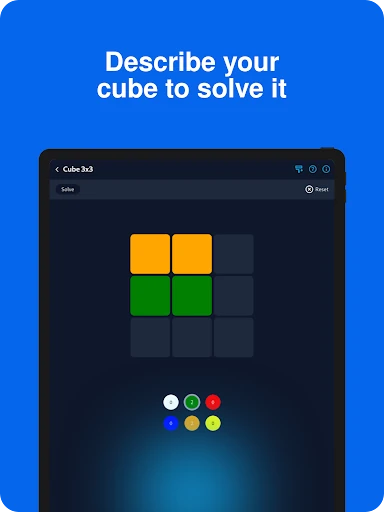
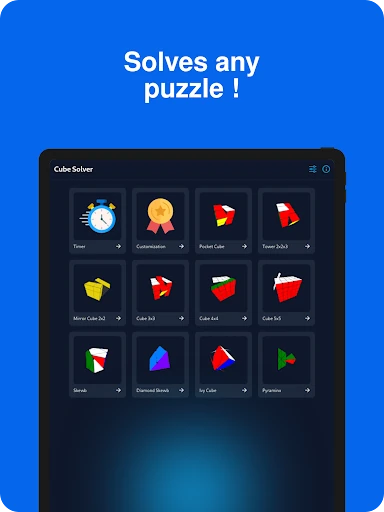
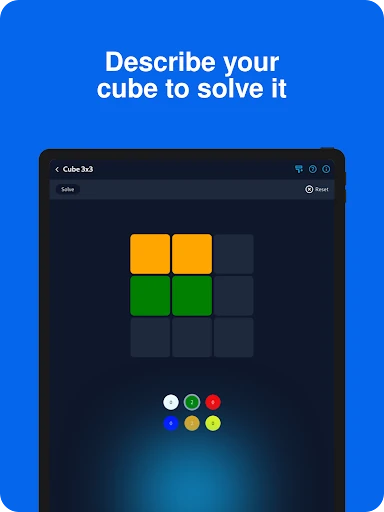
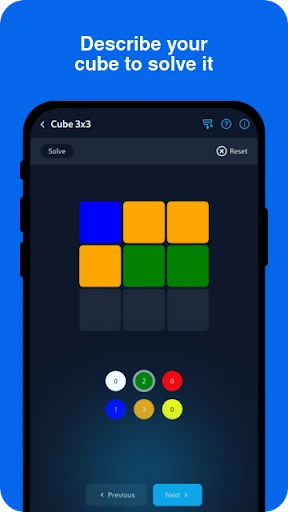
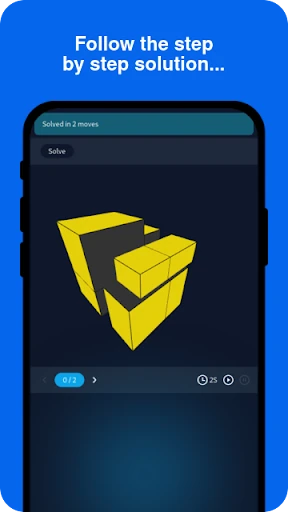
Cube Solver turns a scrambled physical puzzle into a digital solving guide. Enter the colours and the app works out a sequence of moves, making it useful for beginners who are stuck and experienced cubers checking more efficient solutions. It supports several puzzle types, including 2x2, 3x3, 4x4, 5x5, Tower Cube and Skewb.
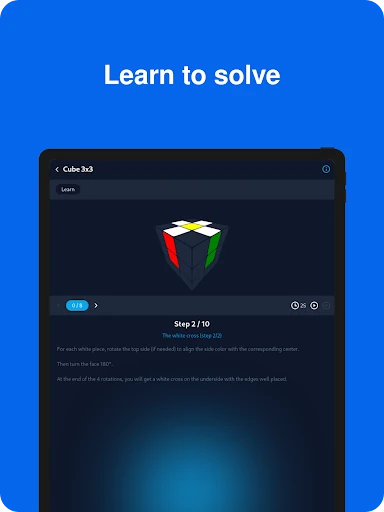
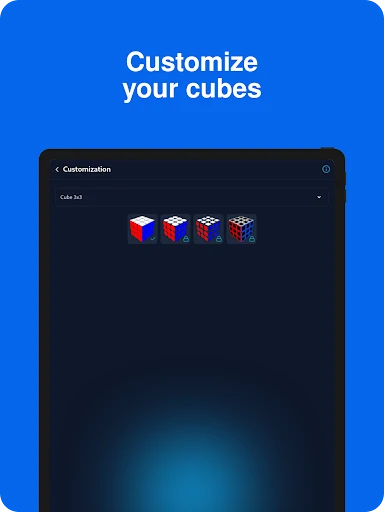
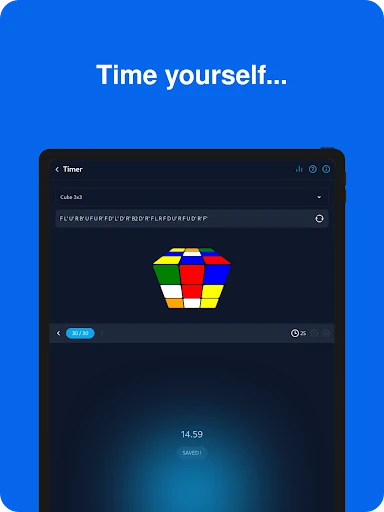
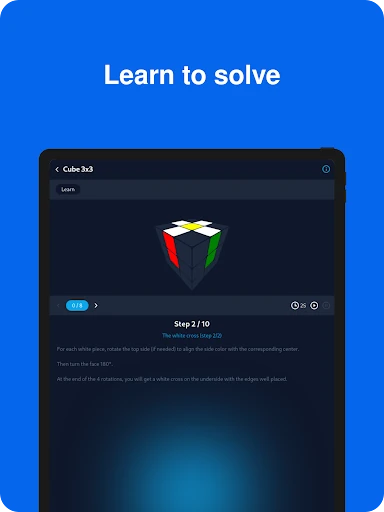
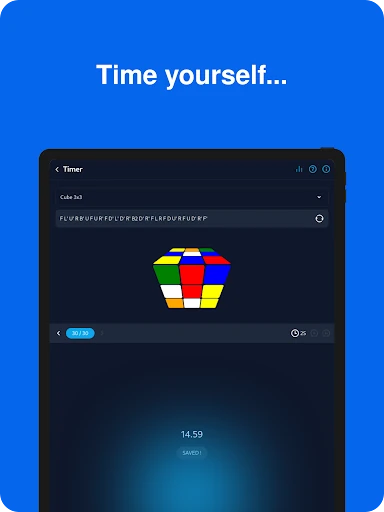
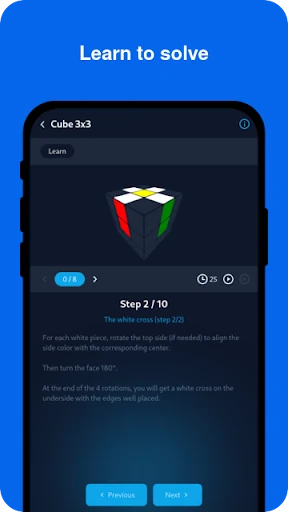
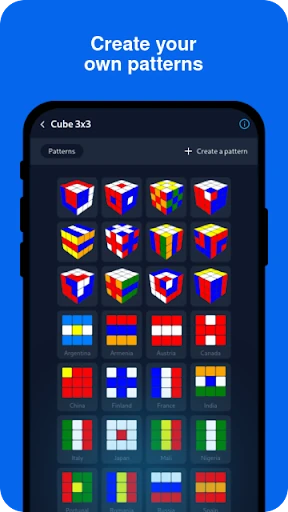
The app also works as a practice tool. A built-in timer supports speedcubing sessions, while shuffle tools and statistics help you follow your results over time. Lessons explain solving methods and algorithms rather than only displaying the next move. Pattern tools add another use: you can set up designs on a cube instead of focusing only on solving it.
Cube Solver is best suited to people who already own a twisty puzzle and want help understanding it. Beginners get a structured way to recover from a scramble, while regular cubers can use the solver, timer and statistics together. The main limitation is the need to describe the cube accurately; an incorrect colour entry can produce an unusable solution. The solving process may also depend on an internet connection.
Those numbers show broad adoption, but the useful question is more specific: do you want a move-by-move assistant, a learning aid, or a simple cubing timer? Cube Solver covers all three, with its strongest value coming from the combination of solving guidance and practice tools.