Genius Scan - PDF Scanner
The Grizzly Labs
Downloads
10,000,000+
Version
Latest
Advertisement
Click to download now, finish the installation quickly, and directly unlock the all-round experience
Advertisement
Screenshots
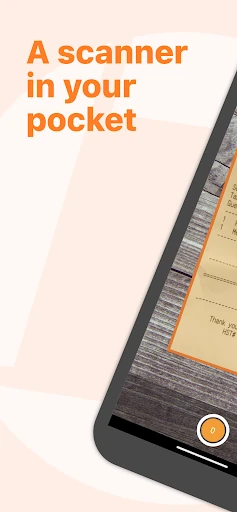
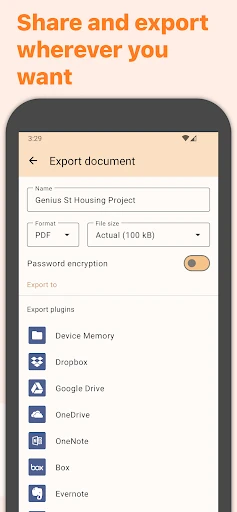
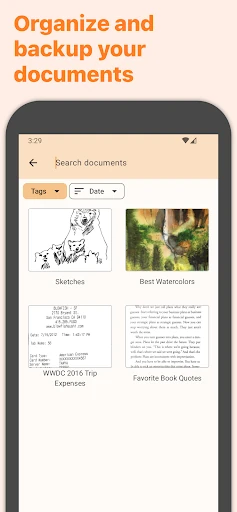

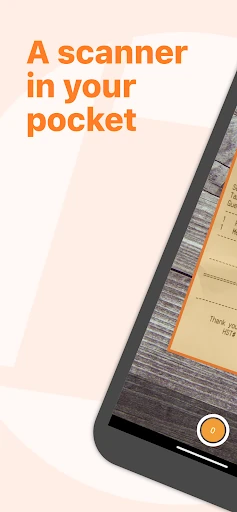
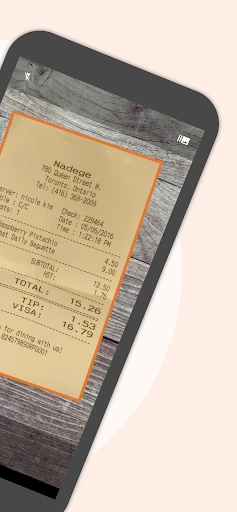
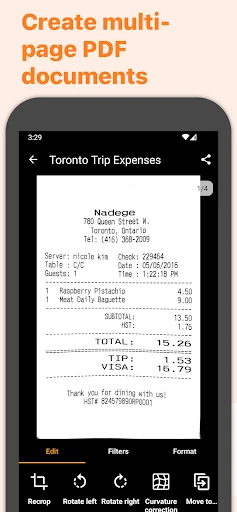
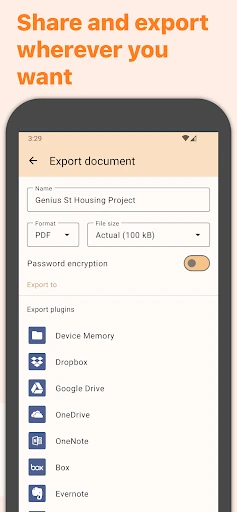


Click to download now, finish the installation quickly, and directly unlock the all-round experience
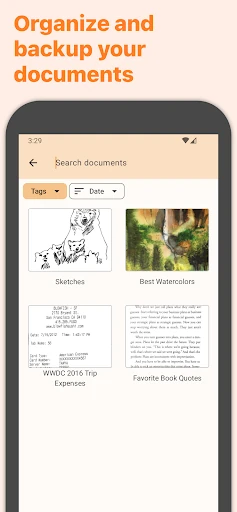
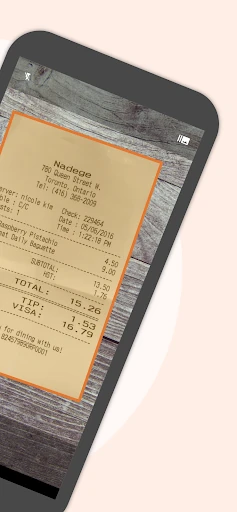
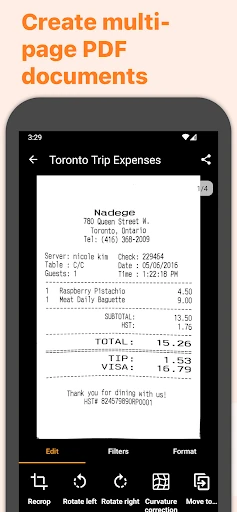
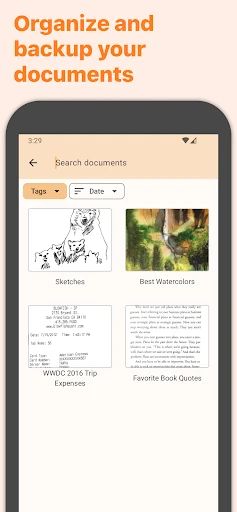
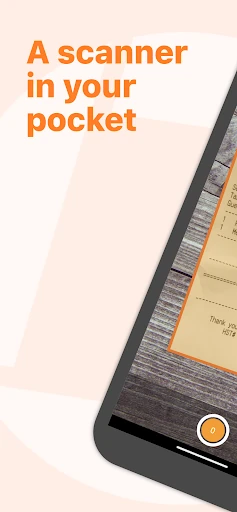
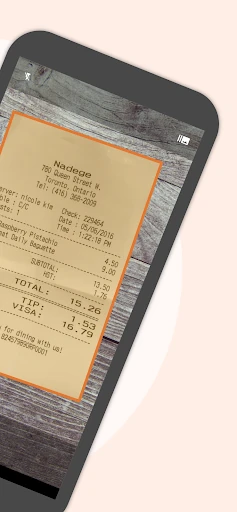
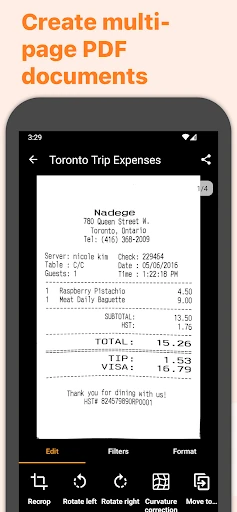
Genius Scan - PDF Scanner turns paper documents into digital scans using an Android phone or tablet camera. It is suited to people who need to capture receipts, forms, notes, contracts, or other business paperwork without relying on a desktop scanner. The app can detect document edges, correct perspective, clean up backgrounds, and combine several pages into a PDF.
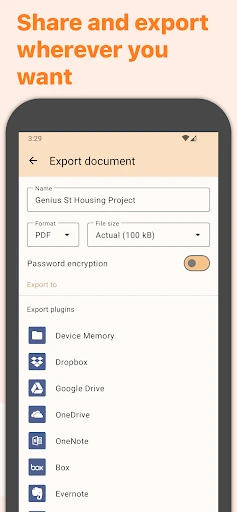
This is a practical choice for students, freelancers, office workers, and small teams that regularly handle documents away from a desk. Multi-page scanning helps with longer paperwork, while page organization makes it easier to assemble a complete file before sharing or storing it. OCR and searchable PDF support can also make scanned information easier to find later, where those features are available in the relevant workflow.
Genius Scan has a strong public track record: it holds a 4.86 rating from 554,997 reviews and has recorded 10,000,000+ installs. It is published by The Grizzly Labs and listed in the Business category. The main limitation is that the usefulness of some advanced document tools may depend on the exact feature set available to you. If your priority is dependable paper-to-PDF scanning rather than photo editing, its focused interface should make sense.