Advertisement
Click to download now, finish the installation quickly, and directly unlock the all-round experience
Advertisement
Screenshots
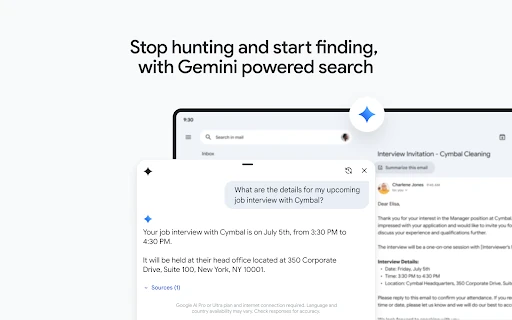
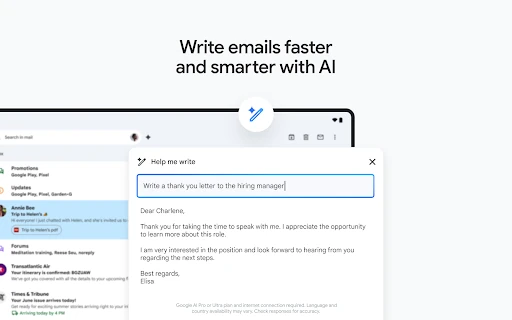
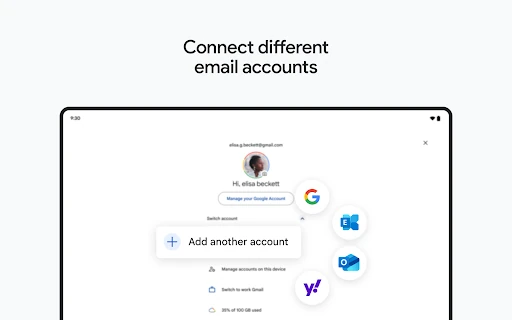
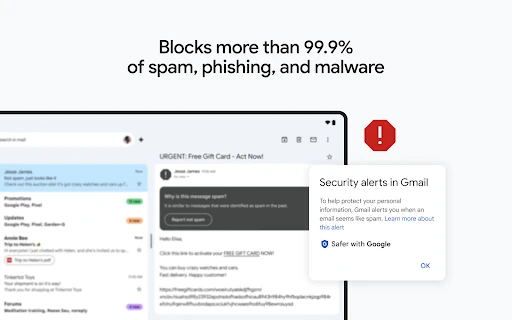
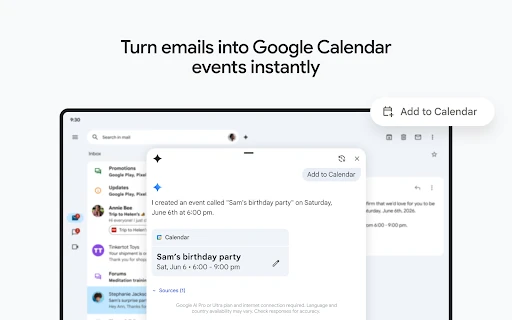
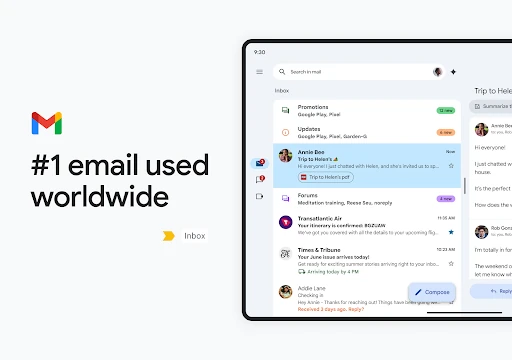
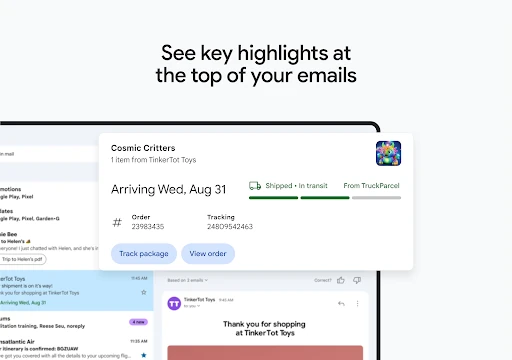

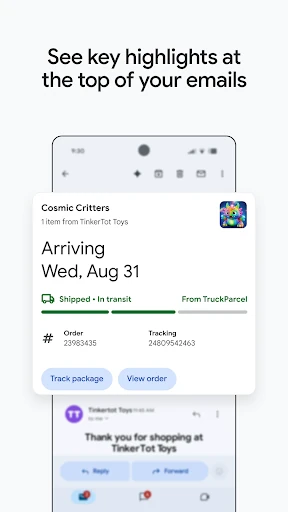
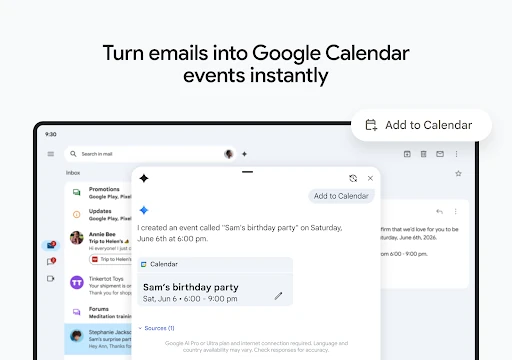

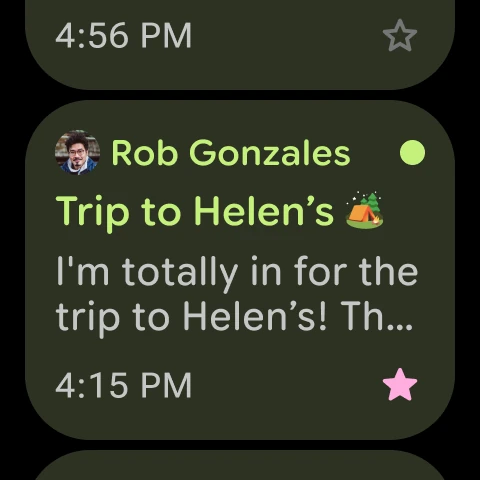


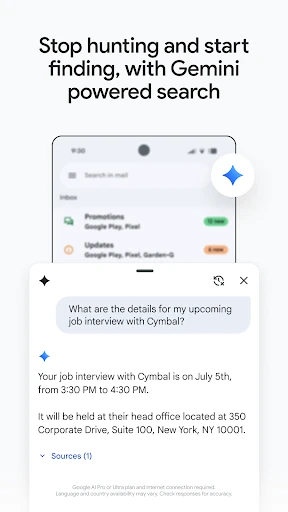
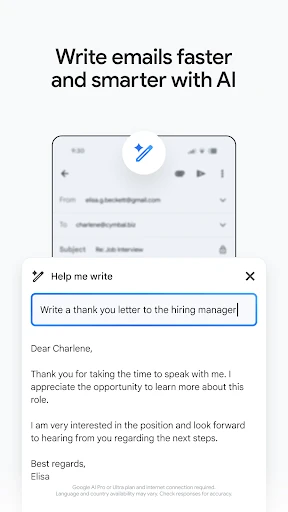
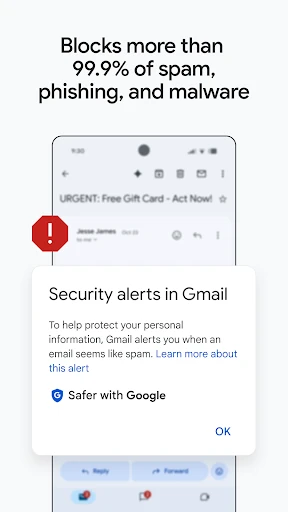
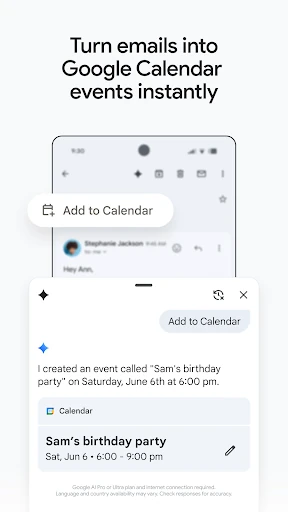
Click to download now, finish the installation quickly, and directly unlock the all-round experience
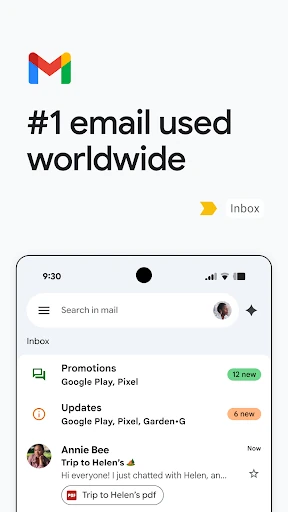
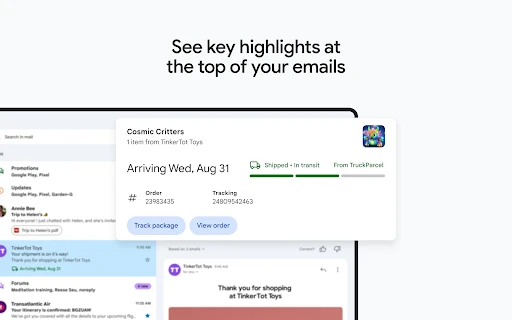
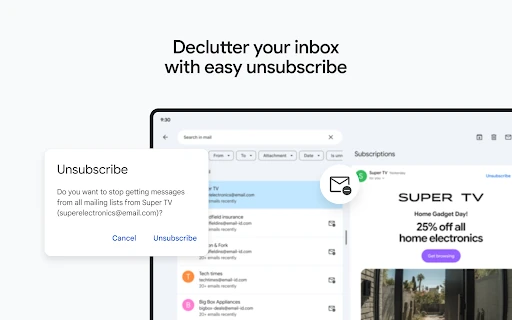
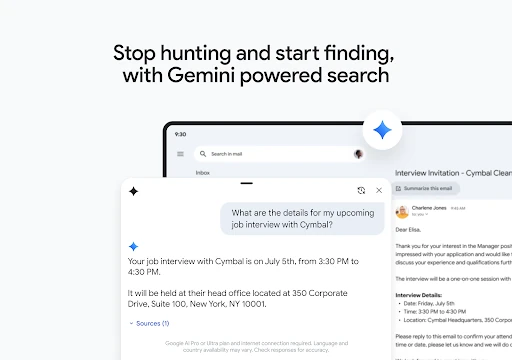
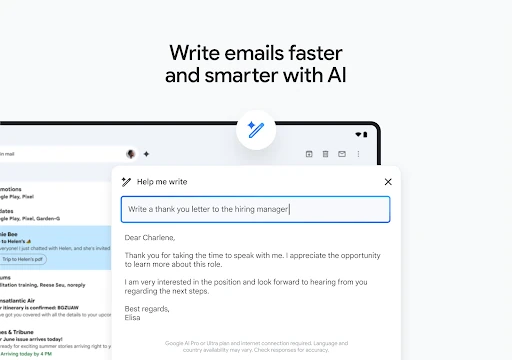
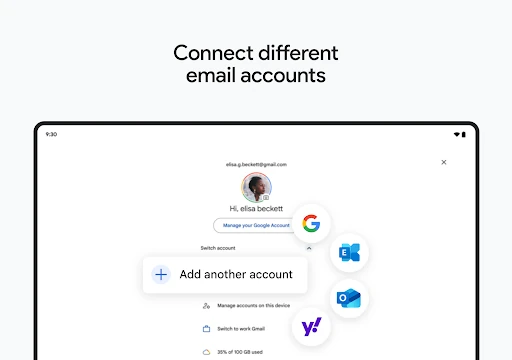
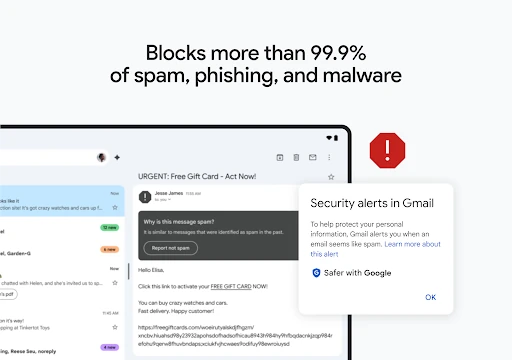
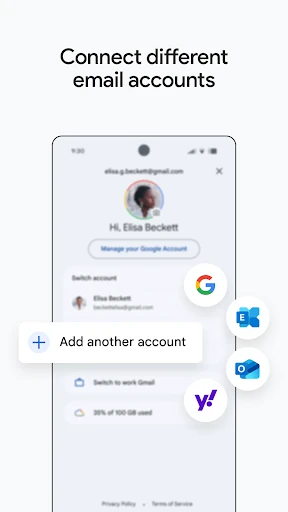
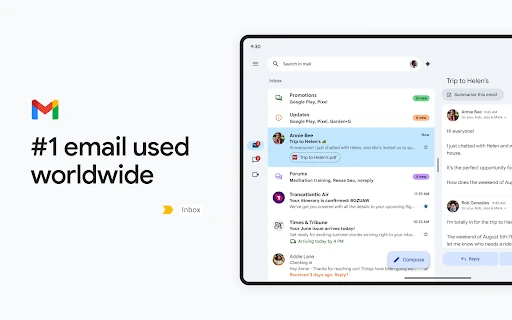
Gmail is Google’s email app for reading, sending, organising and searching messages on Android. It suits people who manage personal or work correspondence from a phone, especially those already using Google services. You can keep multiple mail accounts in one inbox, search through old conversations, and handle common actions such as archiving, deleting and unsubscribing without leaving the app.
Gmail is more than a basic mail reader, and that breadth will not suit everyone. Google Workspace tools and extra inbox features can make the interface feel busier than a simpler email client. Its strongest advantages also appear when your messages, calendar and conversations already sit within Google’s services. Users who only want a lightweight inbox may find some of the added options unnecessary.
Developed by Google LLC, Gmail is listed in Communication and has a 4.11 rating from more than 14 million reviews, alongside 10 billion-plus installs. Those figures show broad adoption, but they do not decide whether it is right for you. Gmail is a practical choice for people who want dependable mobile email, powerful mailbox search and direct access to Google’s wider communication tools.