Advertisement
Click to download now, finish the installation quickly, and directly unlock the all-round experience
Advertisement
Screenshots

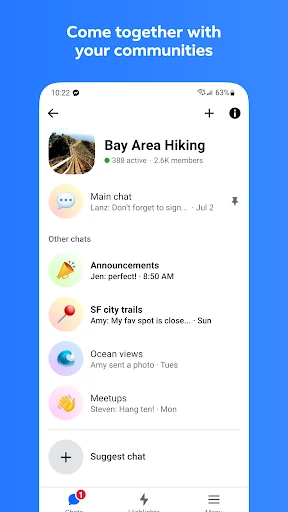
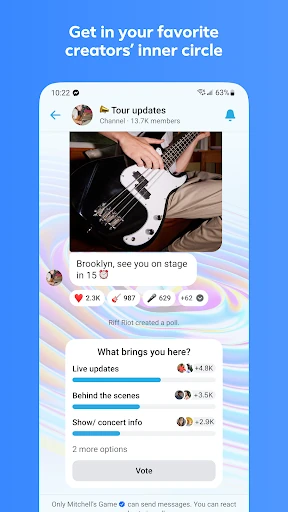
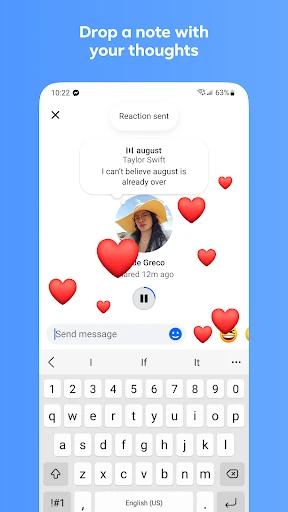
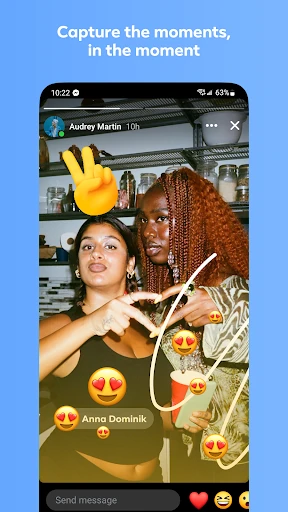
Click to download now, finish the installation quickly, and directly unlock the all-round experience
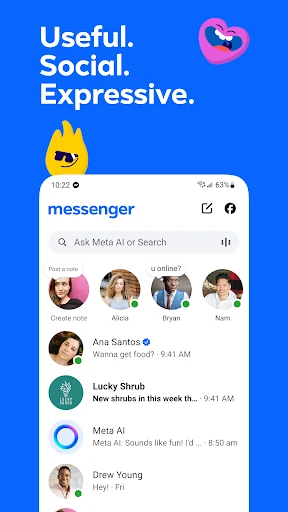
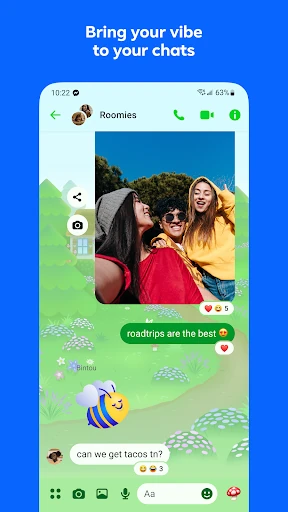
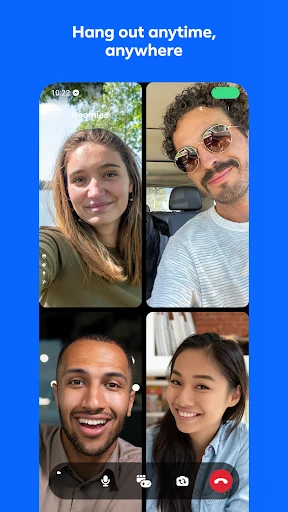
Messenger is Meta’s communication app for one-to-one chats, group conversations, voice and video calls, and sharing photos, videos, links, and files. It suits people who already connect through Meta’s social network, as well as anyone who needs to reach a large mix of contacts in one place. Many conversations can be started without relying on a traditional phone-number contact list.
Messenger has grown beyond basic texting, so its interface includes social, media, community, and assistant features that not everyone will need. That breadth can be useful for active groups, but it may feel busy if you only want a lightweight chat app. As with any service tied to a major social platform, it is worth reviewing account, contact, notification, and privacy settings before using it heavily.
Developed by Meta Platforms, Inc., Messenger is listed in Communication and has a 4.71 rating from more than 110 million reviews. With 5,000,000,000+ installs, it is a practical choice when broad reach and compatibility with existing Meta contacts matter more than keeping the messaging experience minimal.